
All previously sent campaigns and automation emails can be re-used in any automation.
To reuse a campaign in an automation:
- Click a node (“+” symbol).
- Click “Send email.”
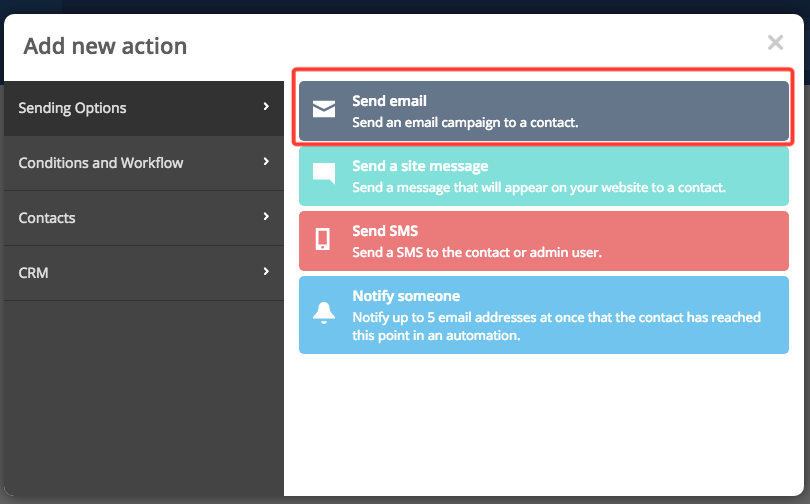
-
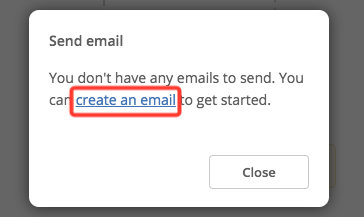
Click the “Create a new email” link.
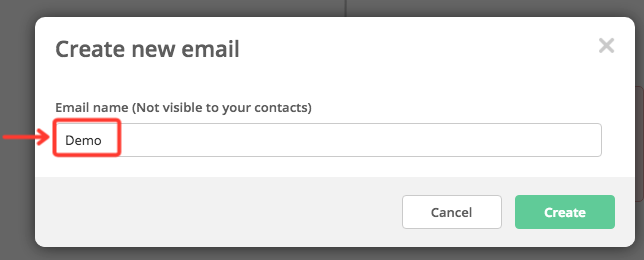
- Give the new email a name by typing it in the input field.
-
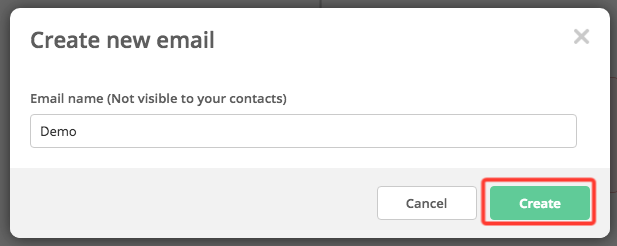
Click “Create.” You’ll be redirected to the template selection page.
-
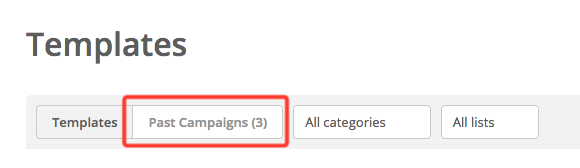
Click “Past campaigns.”
- Select the campaign you want to reuse by clicking "Use this design"
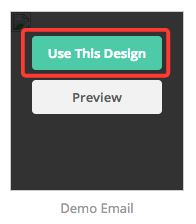
- You can now modify that campaign. Your modifications will not change the original.
Comments
0 comments
Article is closed for comments.