
You can add or remove a tag with automation actions.
To learn how, follow these steps:
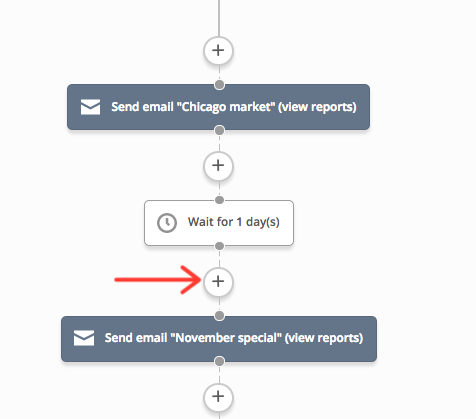
- In your automation, locate where you want to add your “Add Tag” action or “Remove Tag” action.
-
Click the node (+).
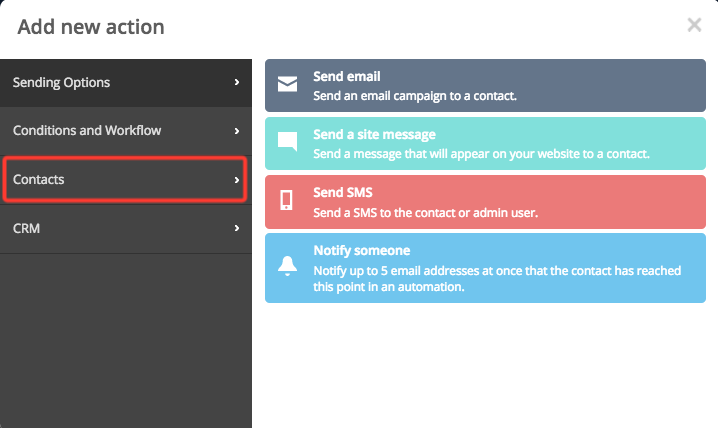
- The “Add a new action” modal will appear. Click “Contacts.”
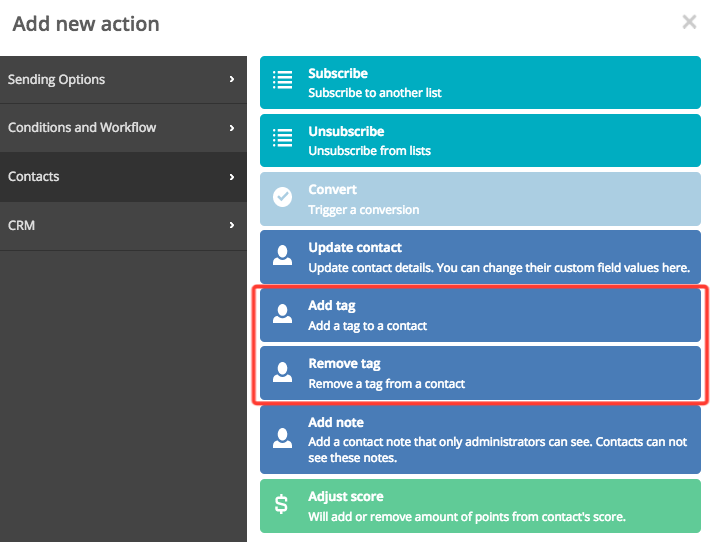
- Select either “Add tag” or “Remove tag” by clicking either option.
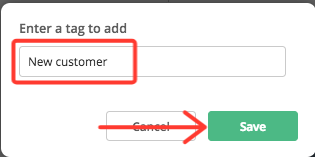
- Enter the tag you wish to either add or remove.
-
Click “Save.”
Comments
0 comments
Article is closed for comments.